GARP ERP documentation
GARP ERP is a cloud ERP for running a business end to end: accounting, sales and purchasing, inventory, manufacturing, HR and payroll, CRM, helpdesk, and a set of specialised modules for hospitality, restaurants, learning and file storage. It is built by Aiconec on the Garp Framework, so every module shares one data model, one desk and the same document conventions — learn one and the rest feel familiar.
Every customer gets their own workspace: a private site at https://<your-workspace>.garp.aiconec.com with its own database, users and settings. Nothing is shared between workspaces.
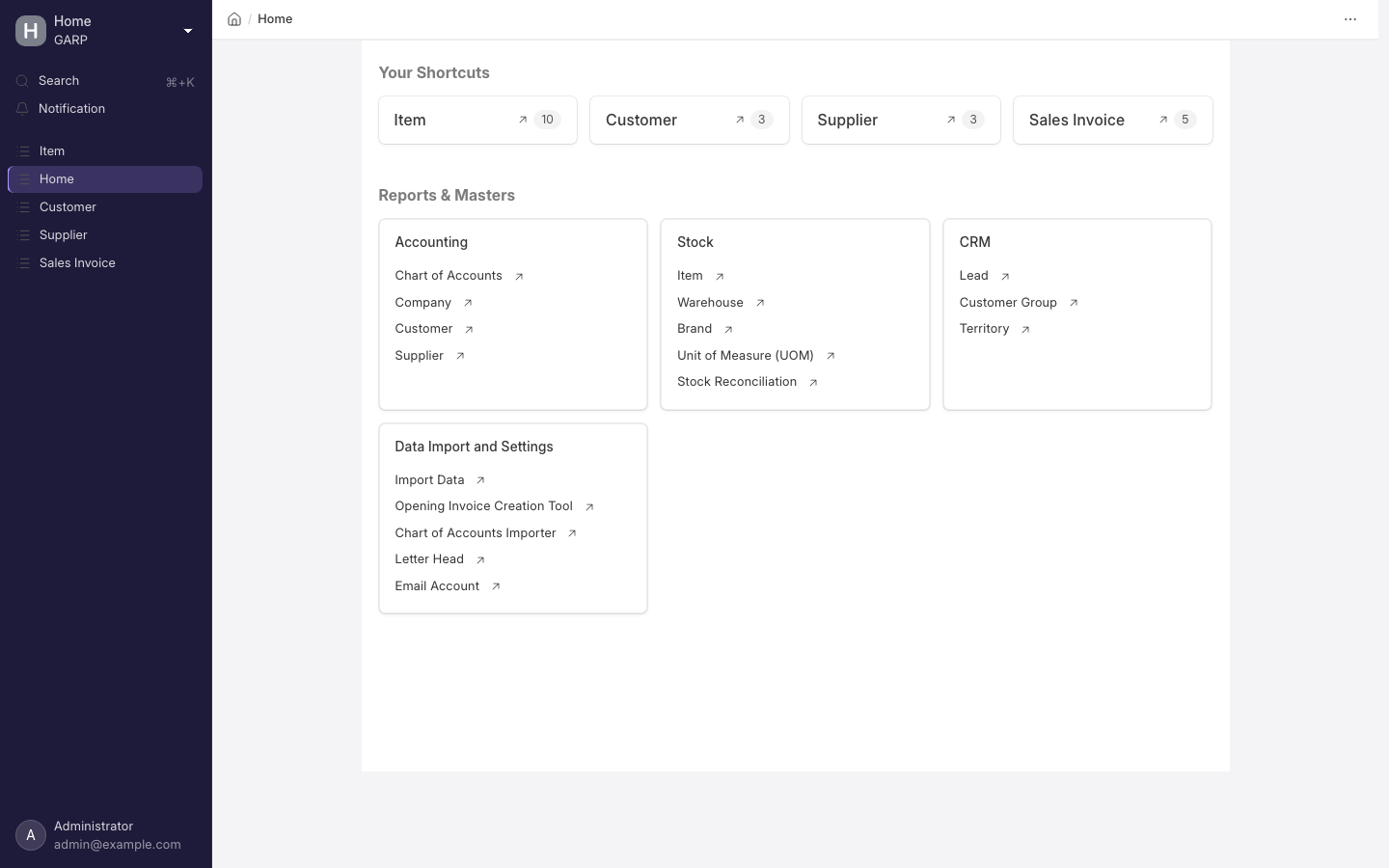
The desk. Every screenshot in this documentation comes from a sample company, not a real one.
Where to start
| If you want to… | Read |
|---|---|
| Sign up and get a working workspace | Create your workspace |
| Configure your company after the first login | First login |
| Add colleagues and control what they can see | Invite your team |
| Understand what your plan includes and what happens at a limit | Plans and limits |
| Pay, change plan, find an invoice | Billing |
| Know how your data is backed up | Backups |
| Learn a specific module | Modules |
| Get a quick answer | FAQ |
GARP ERP Cloud
GARP ERP Cloud is the hosted service at garp.aiconec.com. You sign up, pick a plan, and a workspace is provisioned for you in a few minutes. Aiconec runs the servers, applies updates, takes daily backups and handles scaling.
Conventions in this documentation
<workspace>stands for your workspace's subdomain. Your desk is athttps://<workspace>.garp.aiconec.com/app.- Paths like
/app/sales-invoiceare relative to your workspace. Type them after the domain, or press Cmd/Ctrl + K and search for the document type by name. - Bold names are things you see on screen: buttons, menu items, field labels.
- What a workspace can do depends on its plan. Where a feature is plan-dependent the page says so; the pricing page is the authority on what each plan includes.